
SlimStat Goals and Funnels: Setup and Limits
Applies to SlimStat 6.0.0 and SlimStat Pro 3.0.0 · checked
Use a goal to check whether recorded visits reach an action that matters, such as a signup, a thank-you page or a contact link. Free supports one active goal. Pro supports five active goals and three funnels.
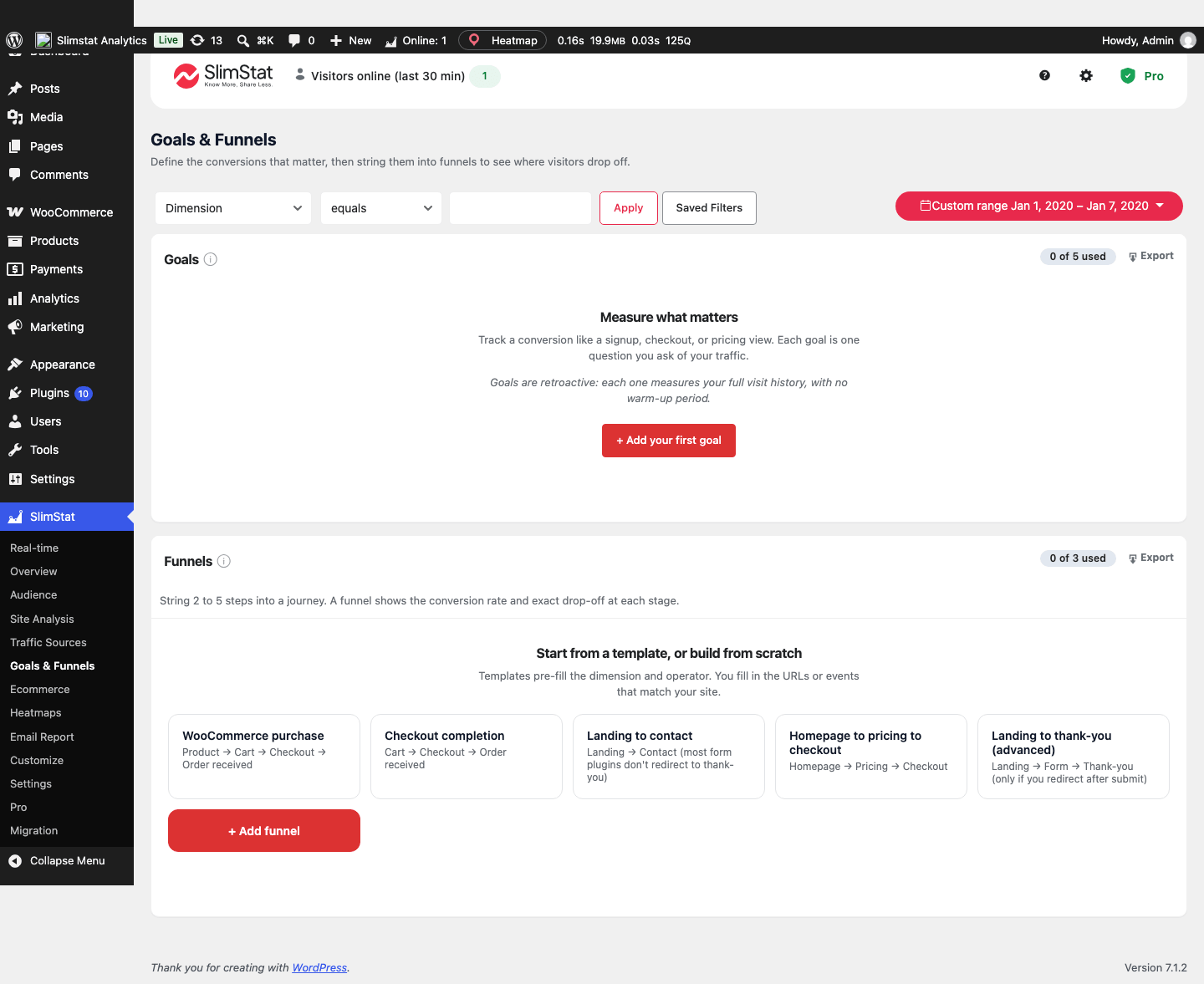
Pro 3 preview showing an empty setup screen, before any goals or funnels are configured.
Open the full-size screenshot.
For a service business, follow the first inquiry recipe to test a confirmation-page goal and understand what it counts.
Create and test a goal
- Open SlimStat → Goals & Funnels and choose the action you want to measure.
- Configure the matching page or event using the goal builder. Use a dedicated completion page when that is the clearest signal.
- Save, then make an eligible test visit through your site’s consent flow.
- Complete the action once and check the goal using a date range that includes it.
Free 6 corrects form-submit, tel: and mailto: goal tracking so one press produces one hit. A phone-link click is not proof that a call connected; an email-link click is not proof a message was sent. A goal counts its configured observed action, not an unverified business outcome.
Build a funnel with Pro
Keep Pro 3 active and add two to five steps representing the journey you want to inspect. Start with one of the five templates (WooCommerce purchase, Checkout completion, Landing to contact, Homepage to pricing to checkout, Landing to thank-you) or define the steps for your site; Free’s locked Funnels panel names the same five. Test the full route and a visitor who leaves partway through.
Pro allows up to three funnels. The v6/Pro 3 corrections prevent overlapping steps from double-counting and fix some chains that incorrectly returned zeros. Results can change after upgrading even when recorded traffic has not.
Read the result in context
Date range, consent, exclusions and retained visits determine the available evidence. Missing stages do not establish why a visitor left. Compare equivalent periods and verify the actual journey before changing a page.
WooCommerce’s Ecommerce purchase journey is a separate Free report based on observed shopping stages and associated orders. You do not need a Pro custom funnel merely to open that dashboard. Pro heatmaps can use a goal-reached or goal-not-reached visitor segment to investigate a page more closely.