Pro
Heatmaps: see what visitors actually do
See where visitors click, how far they scroll and where they rage-click, on desktop, tablet and phone. Open any page’s heatmap from the admin bar.

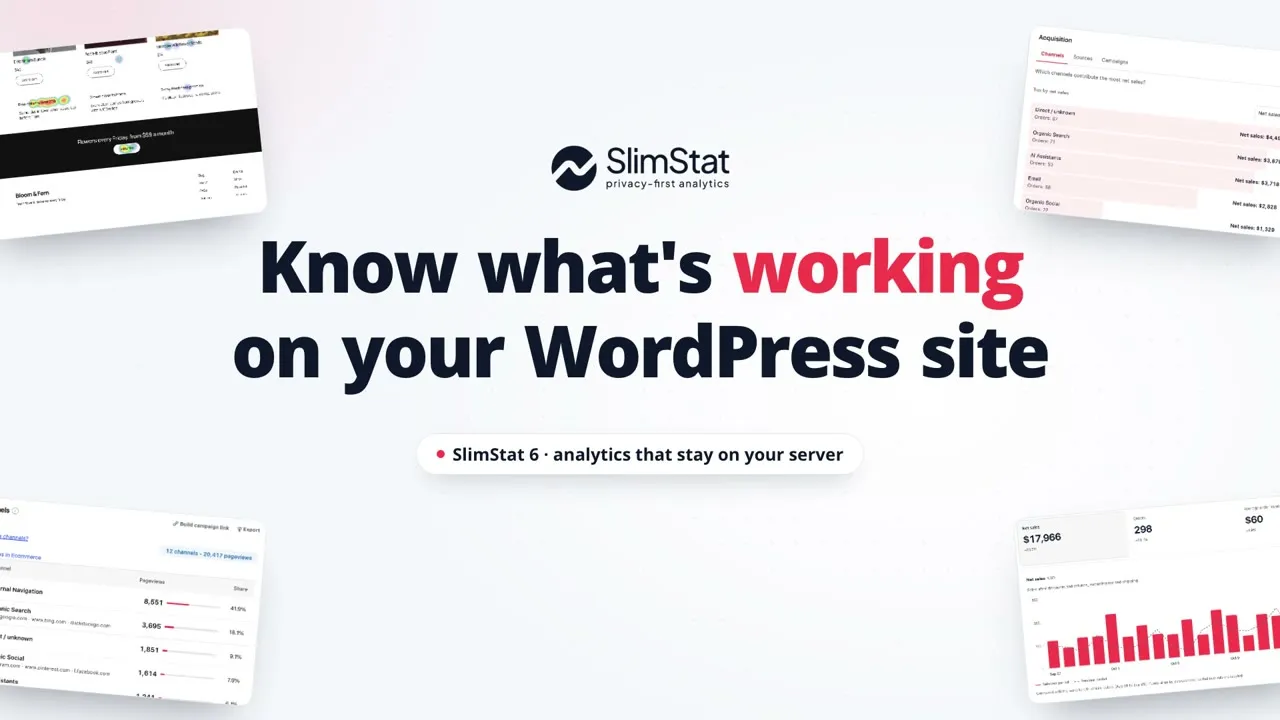
SlimStat brings website analytics into WordPress. See what brings people in, which pages interest them and, on a WooCommerce store, what sells. Add Pro to see where visitors click, where they leave, and which campaigns bring orders.
Traffic and WooCommerce sales reports in WordPress · Analytics stored on your server · Free plugin with optional Pro
Installation guide · Already purchased? Activate Pro
Start with a business question. See an example, then follow the setup guide.
Keep analytics in your WordPress database. Choose what to collect, who can see reports and how long to retain records. Configure consent and IP protection for your site.
Find your most-read pages and strongest referral sources without leaving WordPress. Use one free conversion goal to check whether visitors reach a key page.
Use a free, open-source plugin you can inspect and extend. No analytics service account is needed for core tracking. Add Pro when you need funnels, heatmaps or client reports.
Short tours of SlimStat 6 and Pro 3 with demo data, 30 seconds or less each. Captions only, so they work with the sound off. See all videos
Pro
See where visitors click, how far they scroll and where they rage-click, on desktop, tablet and phone. Open any page’s heatmap from the admin bar.

Free channels · Pro sources
SlimStat lists AI assistants, AI crawlers and user-requested fetches as their own channels. With Pro, see every source behind them and the sales each brings.
Free core · Pro detail
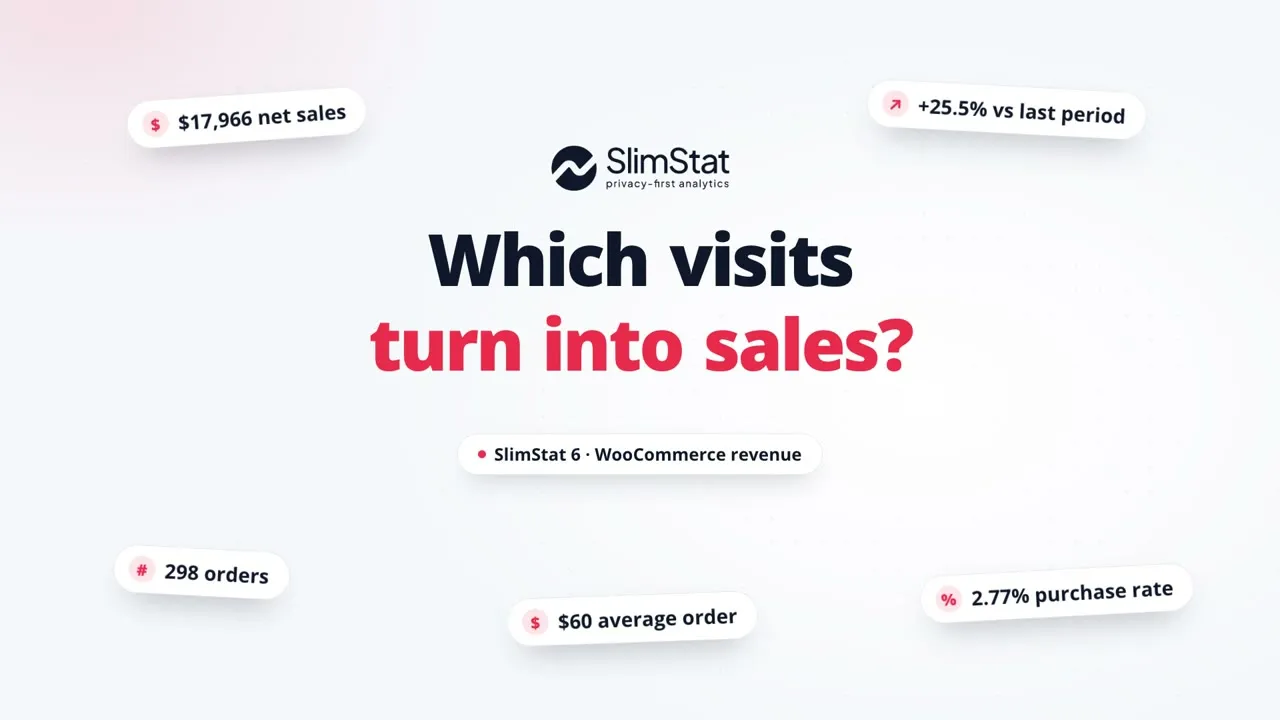
Net sales after discounts and refunds, the channels and products that drive them, and where shoppers drop off between product view and order.
Free top two · Pro all
Build a tagged link in seconds and copy it, then see which campaign brought the visits. With Pro, see the source behind every campaign.
“If you have a problem, these guys will work with you to solve it.”
“I contacted SlimStat support, and they were exceptionally helpful in solving the problem.”
Start with the question you want to answer. Free covers your everyday reports; Pro helps you understand what happens between a visit and a sale.
See how Pro helpsNew in Free 6 and Pro 3: Ecommerce, Heatmaps, Channels and the Shortcode Playground. Review the upgrade steps, report corrections and performance evidence.
Two useful starting points in Free 6. Explore a workflow, then follow the guide to use it on your site.
Free covers your everyday analytics. Get traffic reports, campaign tracking with the top two channels and campaigns, WooCommerce sales reports, the Shortcode Playground and one goal. Pro adds tools to act on what you learn: visual heatmaps, every campaign and channel, deeper store reports, more goals, funnels, Pro shortcodes, CSV downloads and automatic email reports.
This comparison covers Free 6 and Pro 3. Store reports need WooCommerce and setup; heatmap recording is optional.
| What you can do | FreeIncluded at no cost | Pro Everything in Free, plus the extras below |
|---|---|---|
| Traffic reports & privacy controls | Included | Same as Free |
| Heatmaps | Page list and top 5 clicked links or buttons | Spot frustrating clicksVisual click and scroll maps, filters and downloads |
| Ecommerce | Sales, products, traffic sources and recorded purchase steps | See what drives salesSales by campaign, device and coupon; downloads and scheduled emails |
| UTM Campaigns & Channels | Top two channels and campaigns in each report; UTM link builder | Compare every campaignEvery channel and campaign, with paging and links to their sales |
| Goals & Funnels | 1 active goal; no funnels | Find where visitors leave5 active goals; 3 funnels |
| Email Reports | Preview a weekly email; send yourself a sample | Keep your team informedDaily, weekly or monthly emails; choose recipients and attach CSV files |
| Real-Time Report | Live counters and Access Log | Watch activity liveLive chart and report controls |
| Admin Bar Widget | Toolbar shortcuts | Check stats as you workLive quick stats |
| Data Export | Report downloads not included | Share spreadsheet reportsSpreadsheet downloads (CSV or tab-delimited) |
| Pro Shortcodes | Shortcode Playground with Free reports and live counters | Publish Pro reportsAdds Funnels, Heatmap insights, User Overview and Pages by User |
| User Overview | Registered-user reports not included | Understand member activityRegistered-user reports |
| Custom Database | WordPress database | Separate analytics storageSeparate MySQL-compatible database |
| Advanced Whois | External lookup link | Look up IP locationsLocal lookup panel |
| Network Analytics | Individual site reports | See your whole networkMultisite network reports |
Pro is a paid add-on that works alongside Free, with one year of updates and support. Free keeps working if your Pro licence expires. See Pro pricing.
SlimStat Pro 30% off, from $34.30