
Pageview tracking answers one question: how many times a page loaded. Event tracking answers a second: what visitors did on the page, including clicks, downloads and form submissions. The two use the same tracking script; pageviews need no setup, while most events need a trigger defined per interaction.
Event tracking vs pageview tracking at a glance
Pageview tracking and event tracking differ on six dimensions: what they count, how much setup each needs, how granular the record is, the question each answers, whether they fire without a page load, and how many hits one visit produces. The table below sets the two methods side by side.
| Dimension | Pageview tracking | Event tracking |
|---|---|---|
| What it counts | Page loads and reloads | Interactions that load no new page |
| Setup required | Tracking script on the site, nothing further | A trigger defined per interaction |
| Granularity | The page | The element: which button, file or form |
| Question it answers | How much traffic, and to which pages | Whether visitors acted, and on what |
| Fires without a page load | No | Yes |
| Hits per visit | One per page load | Zero, one or many |
What pageview tracking measures
Pageview tracking records one row every time a page loads, reloads included. The pageview is the oldest unit in web analytics, in use since server log analysis in the 1990s, and it remains the cheapest signal to collect: the script fires on load, and nothing has to be configured per page.
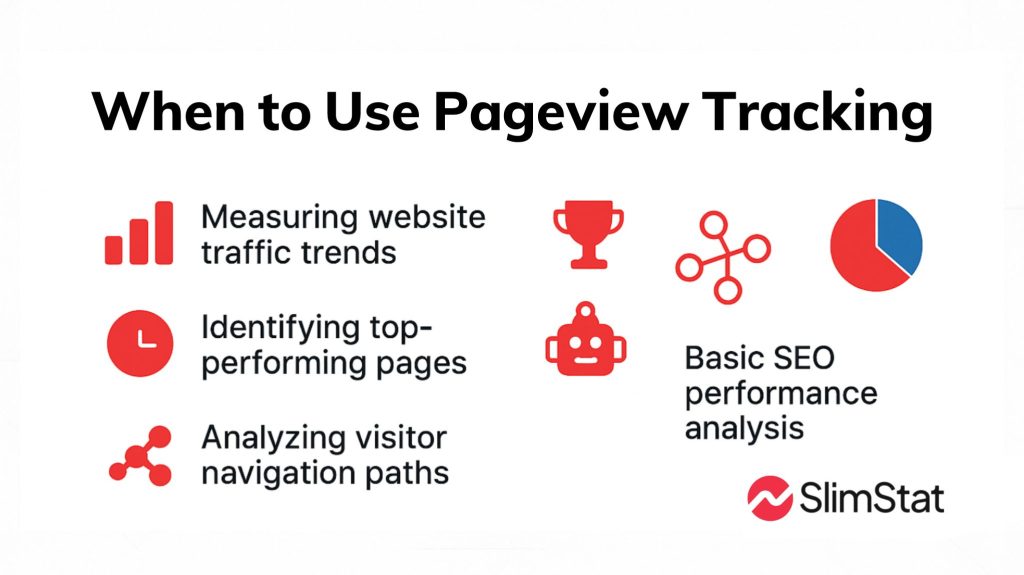
- Traffic volume, by day, page or source
- Which pages get read, and which never do
- Entry pages, exit pages and navigation paths
- Whether a publishing or SEO change moved anything
A pageview is not a session and not a visitor; sessions vs users vs pageviews sets out what separates the three counts.
What event tracking measures
Event tracking records a row when a visitor does something that loads no new URL: clicking a button, submitting a form, playing a video, downloading a PDF, scrolling past a threshold. Each event carries a label, so the report can say which button was clicked, not merely that one was.
- Call-to-action clicks, per button
- Form submissions and contact requests
- Outbound link clicks and file downloads
- Video plays, scroll depth, in-page search
- Anything in a single-page app, where one load can cover a whole session
When to use each
Pageviews answer volume questions and events answer behavior questions, so the choice follows the question rather than the tool. Reporting reach, comparing pages or watching an SEO trend needs pageviews alone. Measuring whether a page did its job — a signup, a download, a purchase — needs events.
Most sites need both, because each metric makes the other legible. A product page with 4,000 pageviews and zero add-to-cart events is a different problem from the same page with 400 pageviews and a healthy add-to-cart rate.
What setting up event tracking involves
Pageview tracking is configured once, when the tracking script goes on the site. Event tracking is configured per interaction: something has to decide which clicks count, what each one is called, and where the record goes. That per-interaction work is the entire cost difference between the two methods.
- JavaScript listeners that send a record when an element is used
- A tag manager, which moves the same work into a UI instead of code
- A plugin that watches links, buttons and forms and labels them automatically
- A naming scheme agreed before you start, because renaming events splits their history
Track fewer events on purpose: a setup with hundreds of unplanned event names is harder to read than pageviews alone. Google Analytics 4 folds pageviews into its own event model, so a page_view there is itself an event — worth knowing when comparing analytics tools for WordPress.
How SlimStat records pageviews and events
SlimStat logs a pageview on every load and, in the free plugin, also logs clicks on links and buttons, form submissions, outbound links, and downloads for the file extensions you list — pdf, doc, xls and zip by default. Reports for downloads, outbound links and custom events ship free; one active goal is free, and funnels are Pro.
For the pageview side, see how to track page views in WordPress; for the event side, how to track outbound links in WordPress.
Frequently asked questions
Three questions come up repeatedly around this distinction: what separates a single page view from a single event, how a view count differs from an event count, and what event tracking means in day-to-day practice. Short answers follow, each one self-contained.
What is the difference between a page view and an event?
A page view is recorded when a browser loads a URL. An event is recorded when a visitor interacts with something on that page — a click, a form submission, a download — without loading a new URL.
What is the difference between view count and event count?
View count is the number of times pages were loaded. Event count is the number of tracked interactions performed. A single visit produces exactly one view per page load, and zero, one or many events.
What is event tracking in web analytics?
Event tracking is the practice of recording named, labelled interactions — button clicks, form submissions, video plays, scroll depth — so a report can say which element was used, not only which page was loaded.